by
by Description
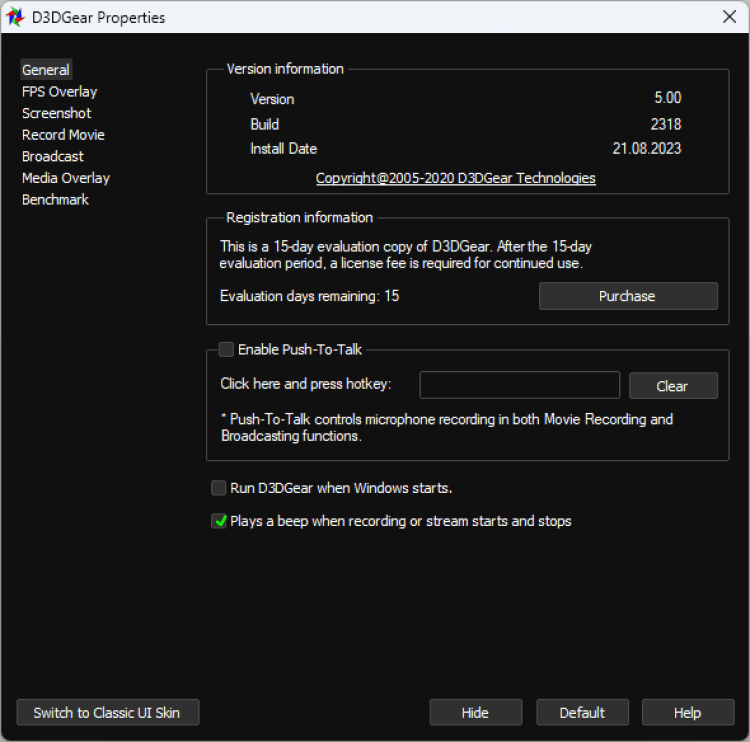
D3DGear displays FPS (frames per second) in games and other 3D applications, as well as allowing you to take screenshots and record gameplay on video. Any of these actions are performed by pressing a certain key, which is set in the settings of the program.
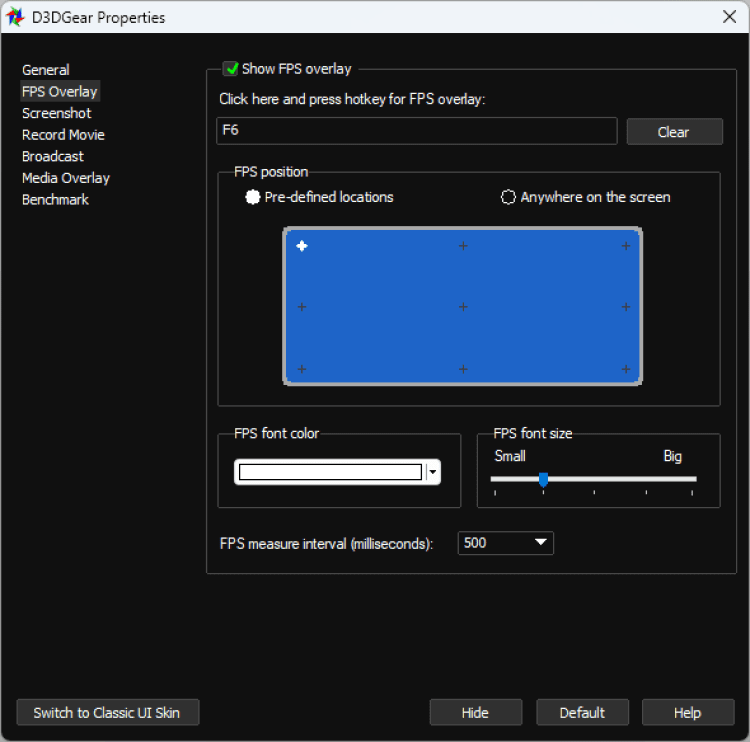
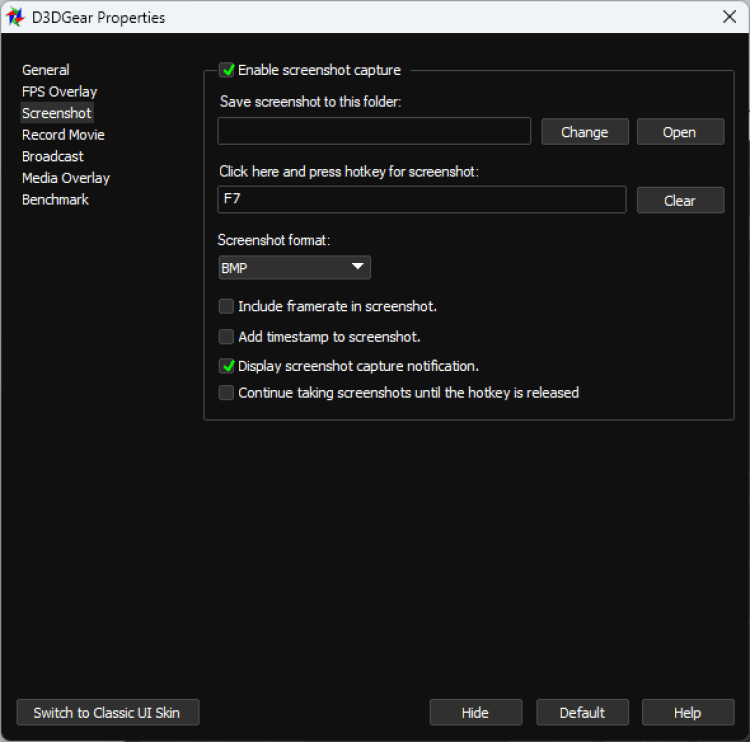
Also in the settings you can choose the position of the FPS counter, its color and transparency. In addition to FPS, D3DGear can also display other computer parameters during the game. D3DGear can take screenshots. The hotkey can be assigned in the settings. There you can also choose the folder to save screenshots, the format and some other settings.
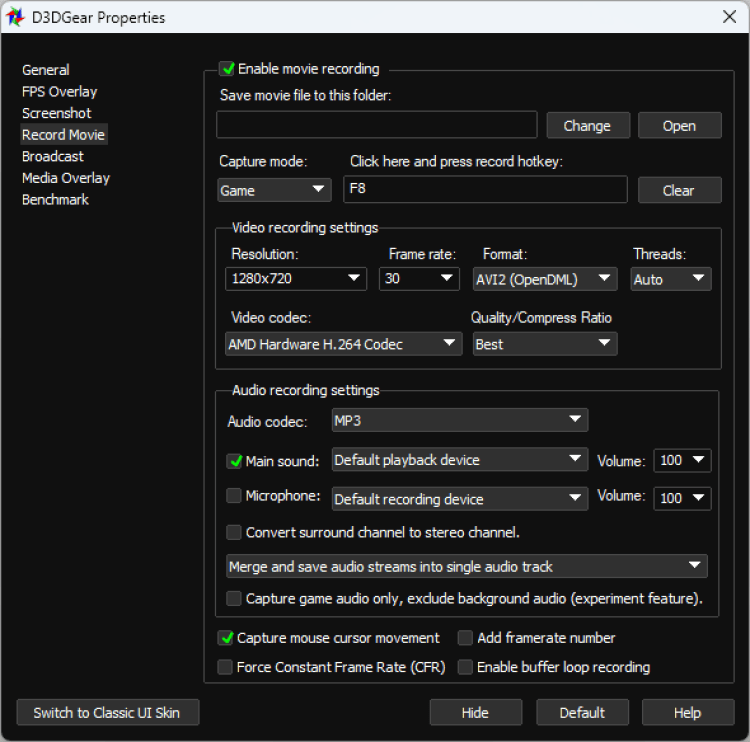
D3DGear provides flexible quality settings for video clips. You can choose the frame rate, resolution, etc. Clips are saved in AVI format.
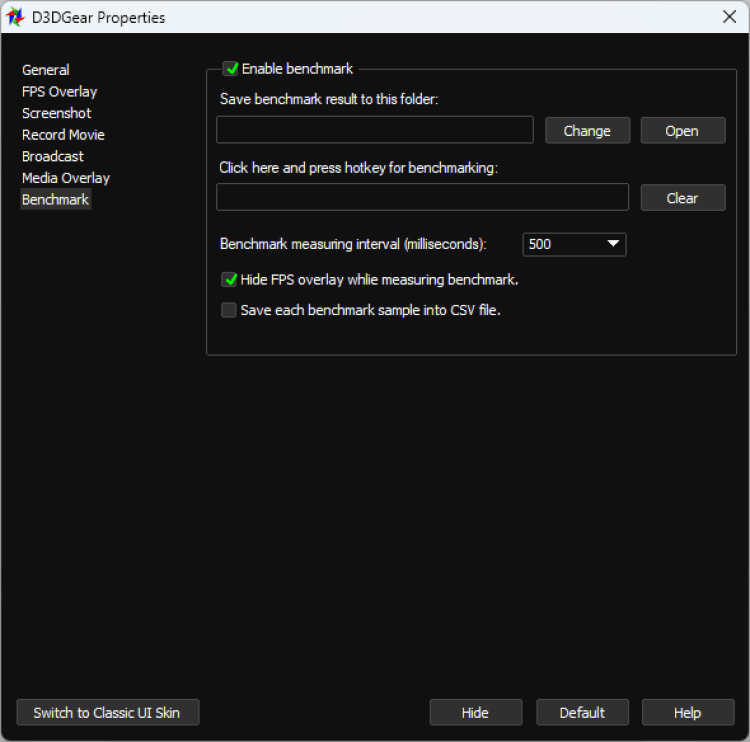
Description
D3DGear displays FPS (frames per second) in games and other 3D applications, as well as allowing you to take screenshots and record gameplay on video. Any of these actions are performed by pressing a certain key, which is set in the settings of the program.
Also in the settings you can choose the position of the FPS counter, its color and transparency. In addition to FPS, D3DGear can also display other computer parameters during the game. D3DGear can take screenshots. The hotkey can be assigned in the settings. There you can also choose the folder to save screenshots, the format and some other settings.
D3DGear provides flexible quality settings for video clips. You can choose the frame rate, resolution, etc. Clips are saved in AVI format.
Versions
Download App D3DGear
5.00.2278
x32/x64
(21.01 MB)
Download App D3DGear
5.00 Build 2318
x32/x64
(20.97 MB)
Download App D3DGear
5.00 Build 2314
x32/x64
(21.01 MB)