

Description
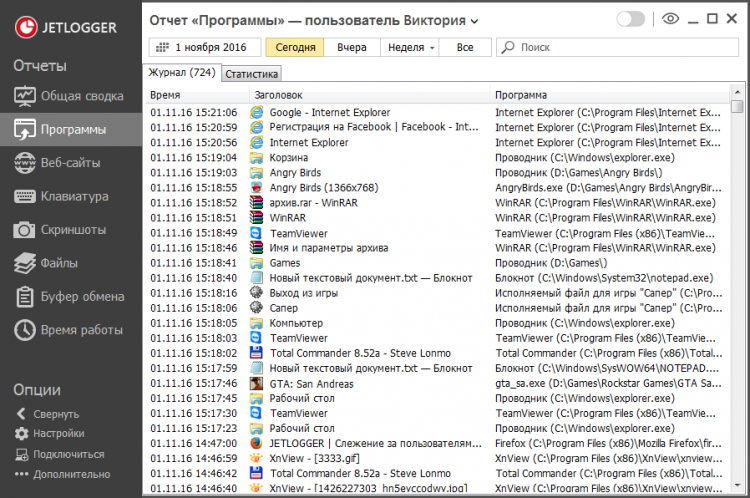
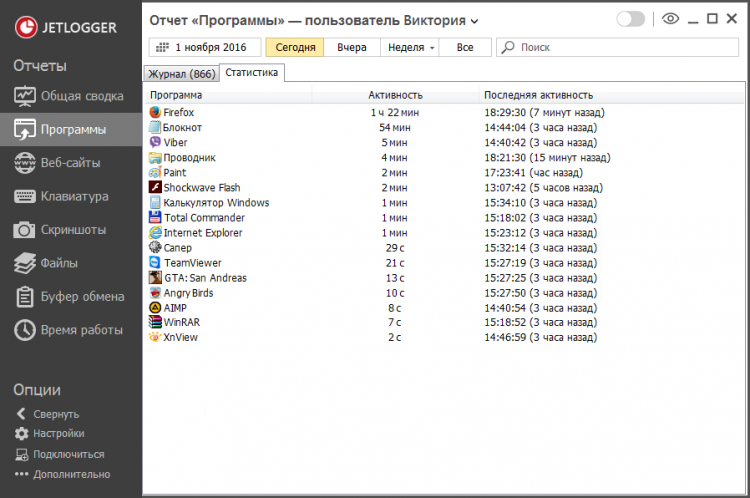
JETLOGGER is a simple and easy-to-use program that allows you to secretly track the actions of your employees during work hours or your children during your absence. Working unobtrusively on your computer JETLOGGER collects information on all running programs and games, counts how much time was spent for each of them, saves the history of visited sites, typed text, and also periodically takes screenshots and web-cameras. All information can be sent to your email address, cloud or FTP server. Moreover, once installed on the monitored computer, you can connect to it remotely at any time and view the entire activity history directly from your computer in real time.
Basic functions
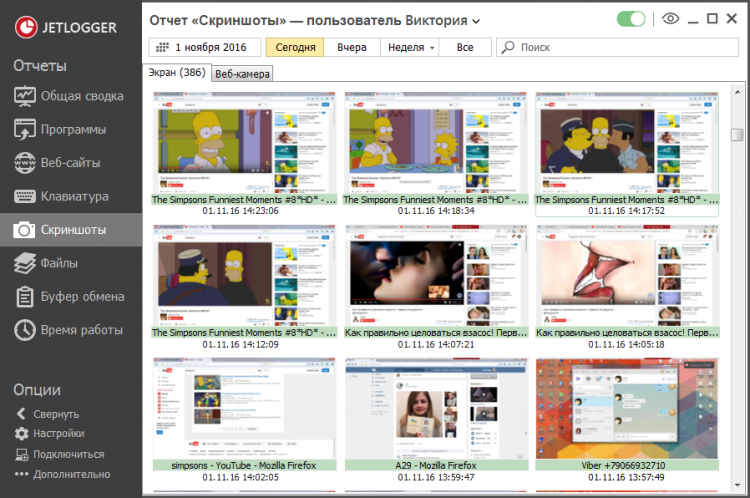
- Hidden recording of what’s happening on the computer screen;
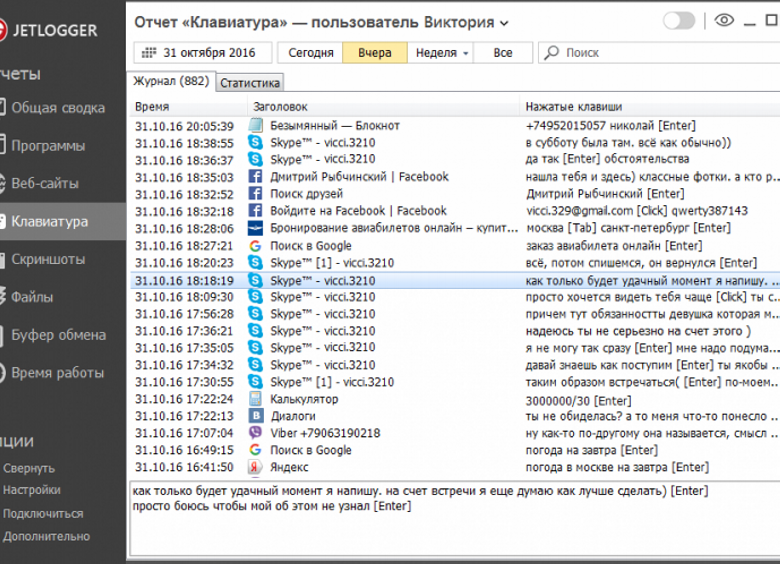
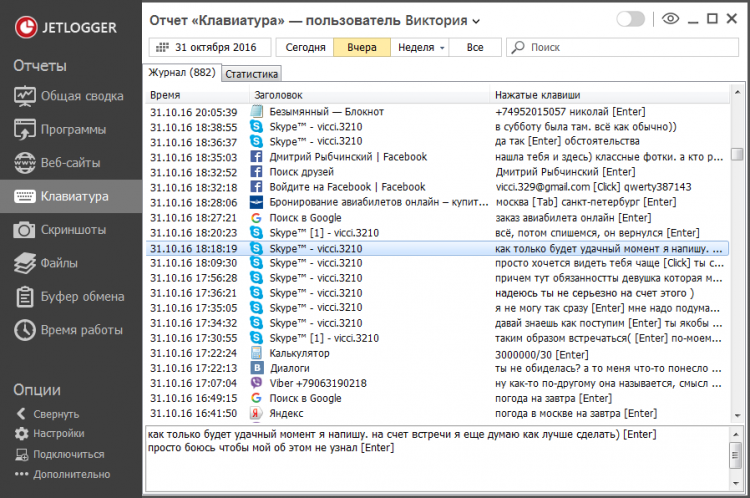
- Saving typed text on the keyboard;
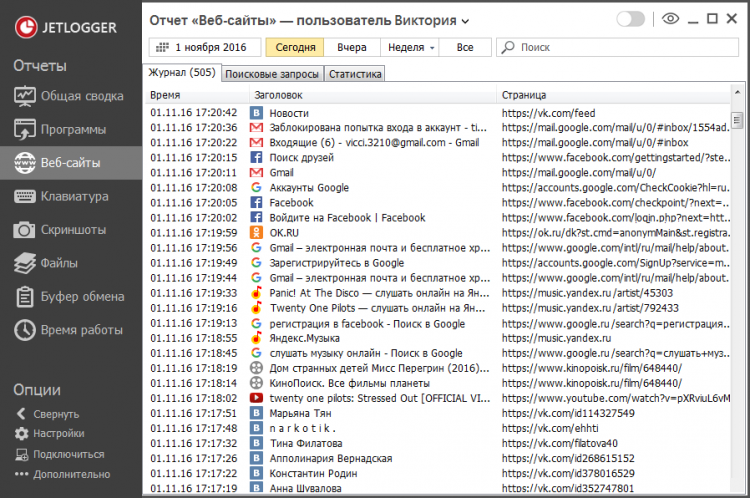
- Recording your browsing history;
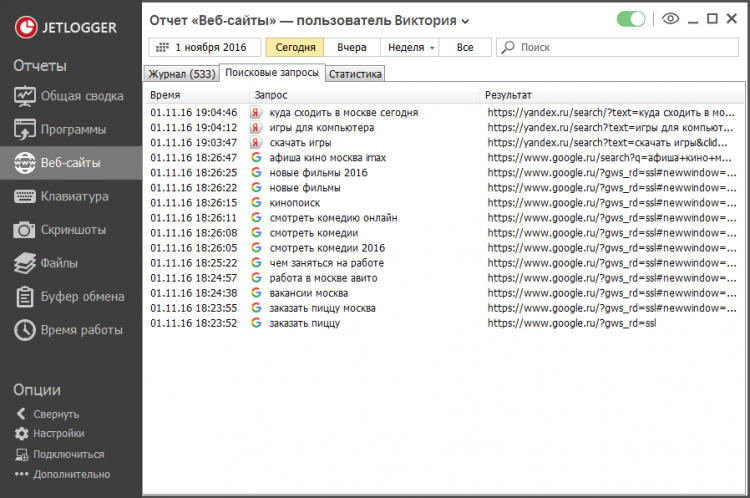
- Tracking queries in the search engines Google, Yandex, Bing, etc.;
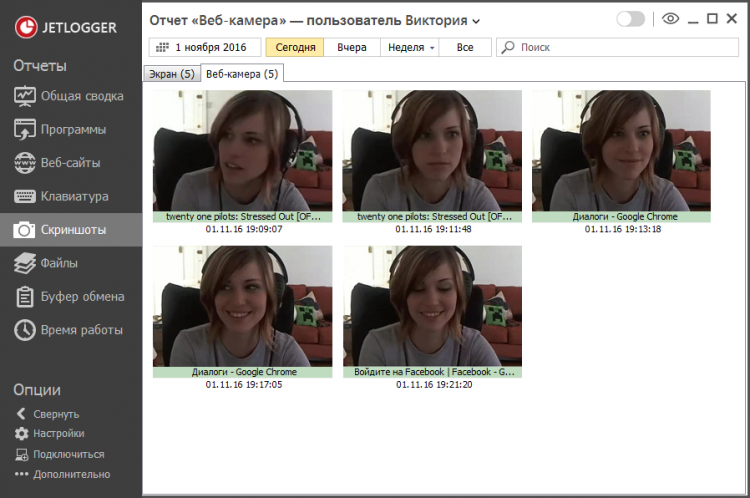
- Photos from the webcam;
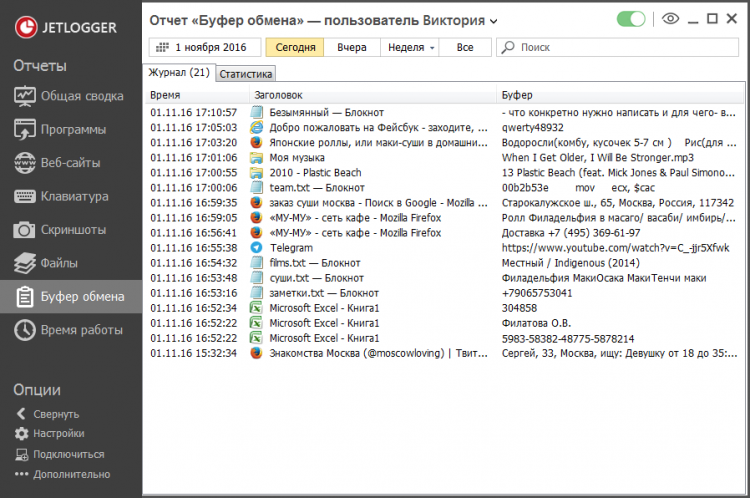
- Saving information from the clipboard;
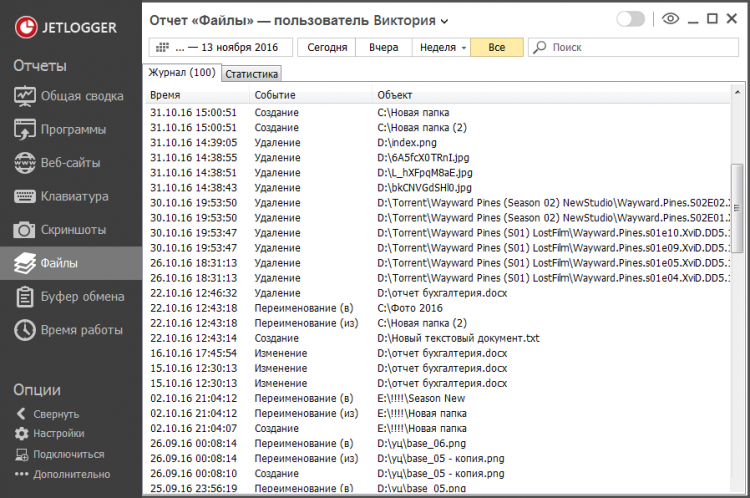
- File operations tracking;
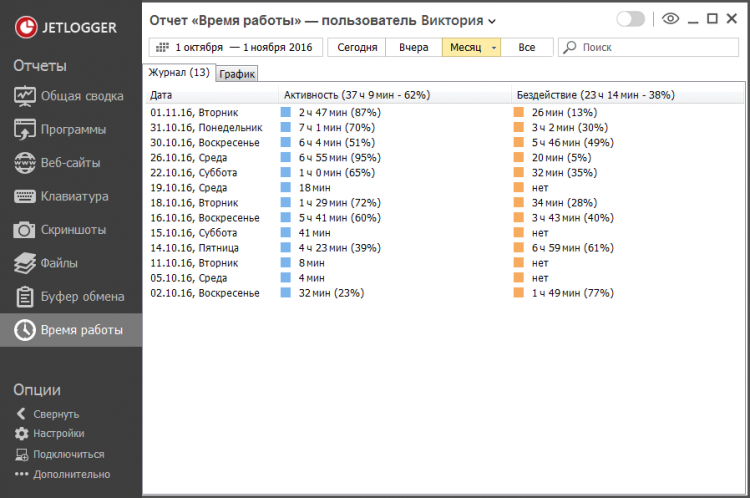
- Counting the time of user activity and inactivity.
Features and benefits
- Very simple and user-friendly interface
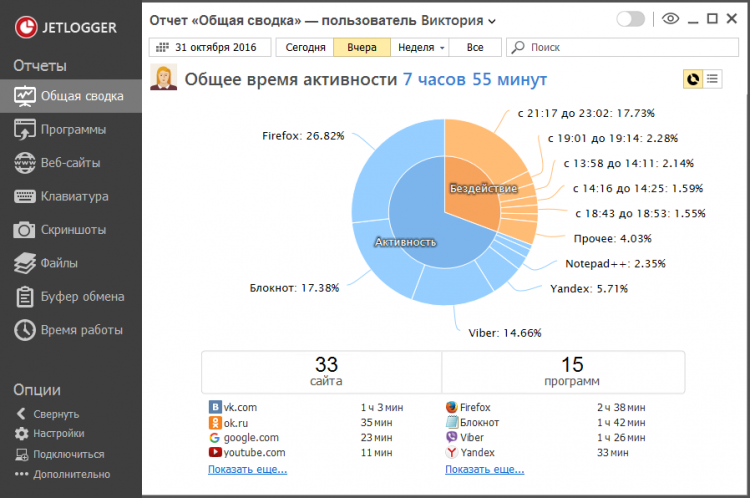
- Detailed activity and summary statistics
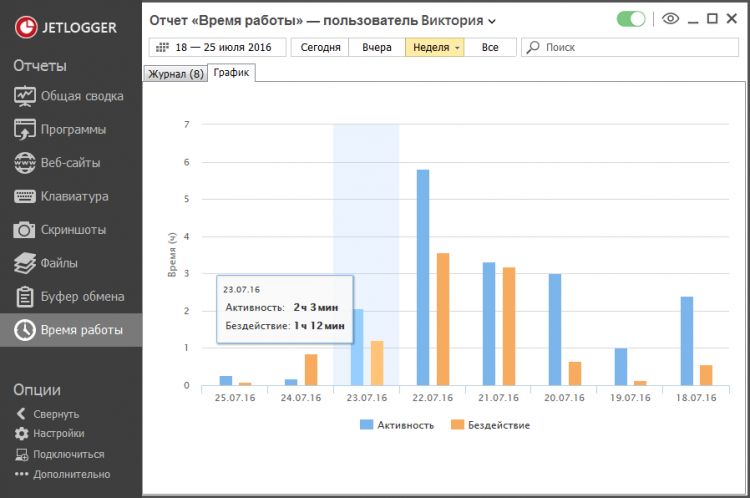
- Visual charts and graphs that help you quickly understand what you were spending time on
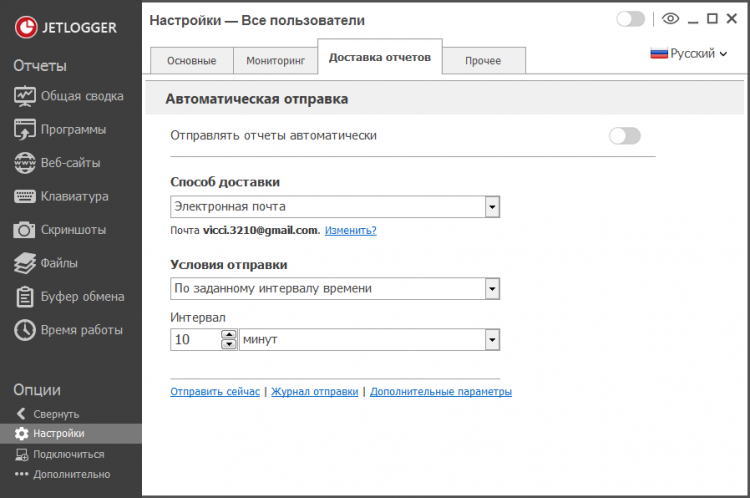
- Reports delivered to email, cloud, folder or FTP server
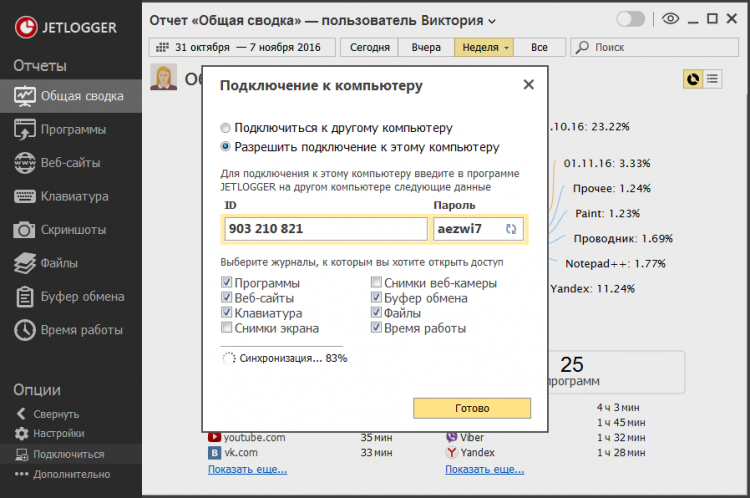
- Remote connection to the monitored computer to view events in real time
- Absolutely hidden mode of operation. Program interface can be opened only by pressing a special combination of keys and entering a secret password.
Despite the abundance of functions, using JETLOGGER is very simple – one click installation, and in a few seconds the program is ready to start tracking computer activity without any obligatory settings.
Description
JETLOGGER is a simple and easy-to-use program that allows you to secretly track the actions of your employees during work hours or your children during your absence. Working unobtrusively on your computer JETLOGGER collects information on all running programs and games, counts how much time was spent for each of them, saves the history of visited sites, typed text, and also periodically takes screenshots and web-cameras. All information can be sent to your email address, cloud or FTP server. Moreover, once installed on the monitored computer, you can connect to it remotely at any time and view the entire activity history directly from your computer in real time.
Basic functions
- Hidden recording of what’s happening on the computer screen;
- Saving typed text on the keyboard;
- Recording your browsing history;
- Tracking queries in the search engines Google, Yandex, Bing, etc.;
- Photos from the webcam;
- Saving information from the clipboard;
- File operations tracking;
- Counting the time of user activity and inactivity.
Features and benefits
- Very simple and user-friendly interface
- Detailed activity and summary statistics
- Visual charts and graphs that help you quickly understand what you were spending time on
- Reports delivered to email, cloud, folder or FTP server
- Remote connection to the monitored computer to view events in real time
- Absolutely hidden mode of operation. Program interface can be opened only by pressing a special combination of keys and entering a secret password.
Despite the abundance of functions, using JETLOGGER is very simple – one click installation, and in a few seconds the program is ready to start tracking computer activity without any obligatory settings.
Versions
Download App JETLOGGER
2.4 Build 91561
x32/x64
(24.34 MB)
Download App JETLOGGER
2.2 Build 91503
x32/x64
(16.82 MB)



Leave a Reply